The Best Overwatch 2 Trackers in 2026
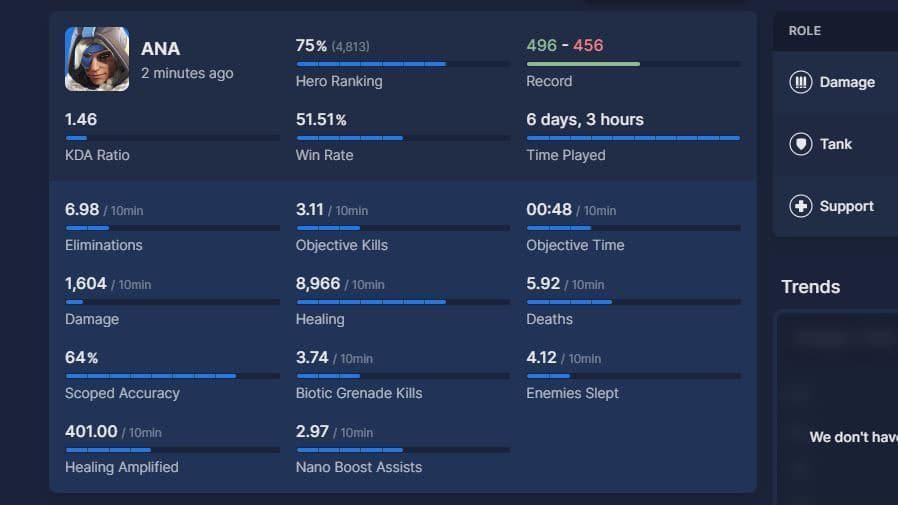
Table of Contents
In Overwatch 2, numbers and stats reveal why you can climb in ranked, or not, why your Kiriko feels unstoppable on certain maps, and why switching to Zarya in the third round might be the decision that wins you the match. The problem? Blizzard does not hand you this information directly. You have to go looking for it.
That is where Overwatch 2 trackers come in. These tools pull your match data, hero statistics, win rates, and ranking history into one place. The intel from trackers separates players who improve smartly from players who grind blindly. And in 2026, with Season 20 introducing the new Challenger system and leaderboards getting a complete overhaul, knowing your numbers has never mattered more.
We will break down the top Overwatch 2 trackers available right now, what each one does best, and how to use them to sharpen your competitive edge.
Why Every Overwatch 2 Player Should Use a Tracker
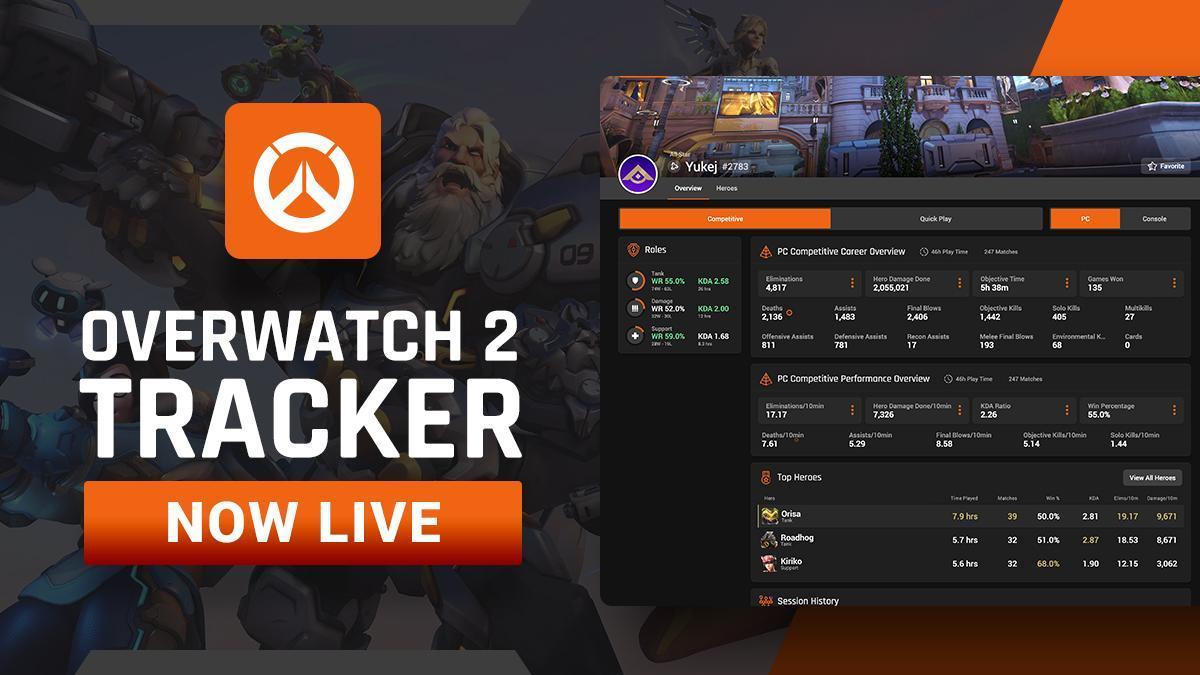
The in-game career profile gives you the basics. You can see your wins, your hours played, and your most-used heroes. But that is surface-level information. It does not tell you how you actually perform. It does not show you whether your play has improved over the past matches. And it certainly doesn't let you compare yourself to players in your region or globally.
Third-party trackers fill these gaps. They use official Blizzard API data to give you granular breakdowns of your performance, track trends over time, and even provide real-time overlays that display stats while you play. Some tools show you the enemy team's hero preferences before the match starts, letting you build smarter team compositions.
And yes, these trackers are completely safe. They operate within Blizzard's guidelines and pull legit data that is already available through official channels. Your account is at no risk.
Top Overwatch 2 Trackers in 2026
Tracker.gg
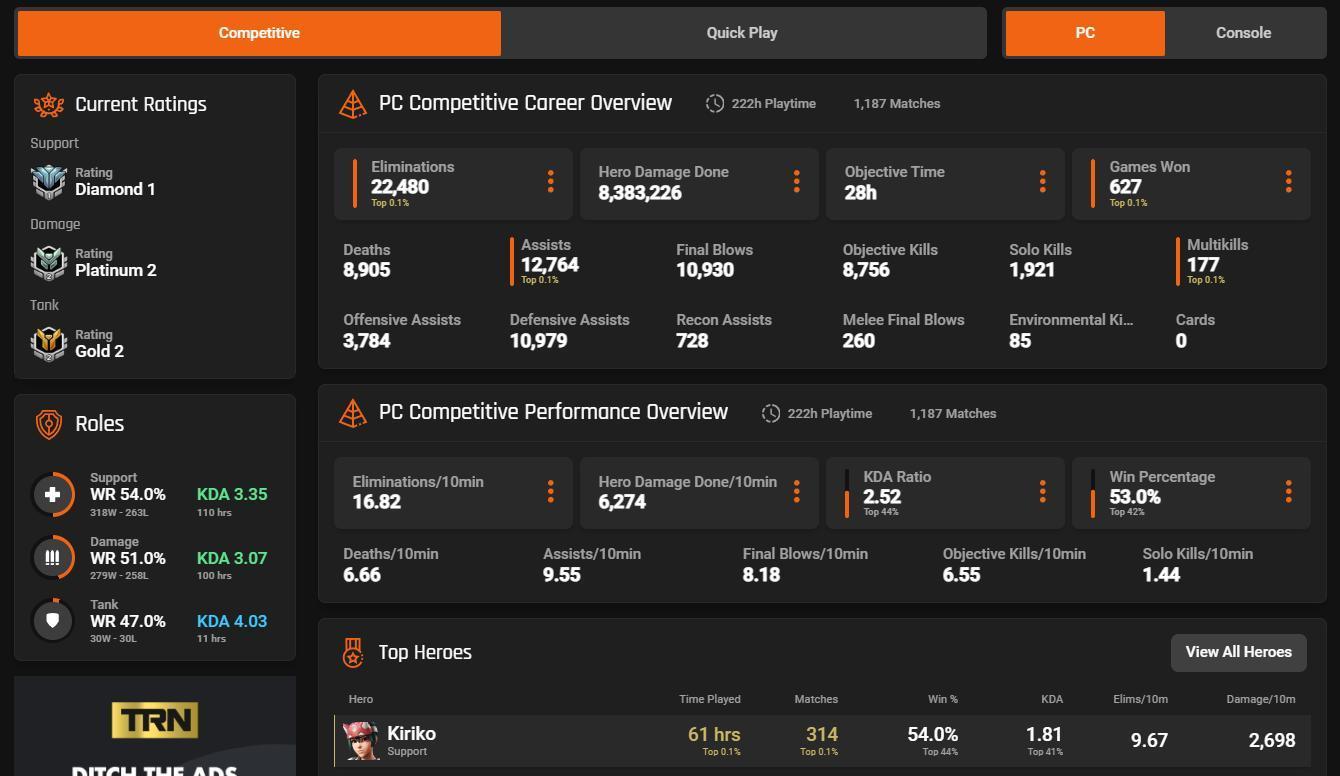
If you have tracked stats in any competitive game over the past few years, you have probably encountered Tracker.gg. Their Overwatch 2 tracker remains the most robust option available, offering everything from basic rank tracking to deep hero statistics and global leaderboards.
The platform gives you a complete overview of your gameplay: win rates, kill-death ratios, hero usage across every mode, skill rating progression, and detailed match history. You can compare your stats against friends, favorite streamers, or anyone else in the Overwatch 2 community. The search function makes it easy to look up any player using their BattleTag.
The leaderboards are equally impressive. You can view rankings for nearly every stat imaginable, filtered by platform, region, and game mode. Whether you want to see who has the highest eliminations globally or how you stack up against other tank players in your area, Tracker.gg delivers.
Overwatch.OP.GG
OP.GG built its reputation on League of Legends, but its Overwatch 2 tracker has become a favorite for players who prefer simplicity over complexity. Enter a BattleTag, and within seconds, you have access to skill rating, win rate, most-played heroes, medal counts, and recent match history.
The interface is exceptionally clean. There is no clutter, no overwhelming data dumps. Just the key metrics you need presented in a layout that makes sense. For players who want to quickly check their progress without wading through endless menus, Overwatch.OP.GG is the perfect fit.
The platform updates regularly and maintains accuracy even through seasonal transitions. It may not have Tracker's overlay features.gg, but for web-based stat checking, it is hard to beat the speed and clarity that OP.GG provides.
Blizzard Official Hero Statistics
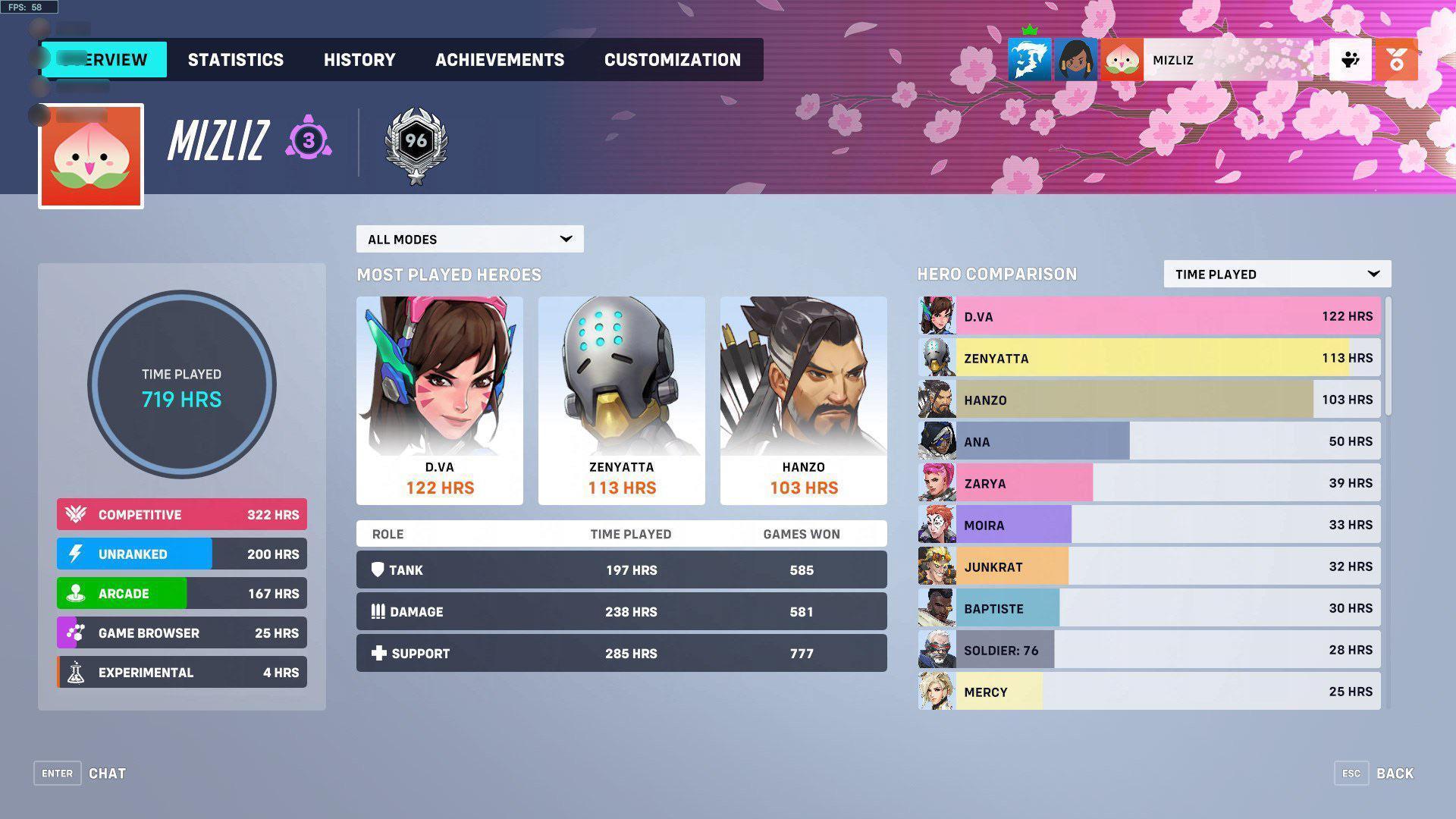
In a significant update, Blizzard Entertainment now offers official hero statistics through its website, giving players direct access to the same data the development team uses for balance decisions.
The official stats page shows win rates and pick rates for every hero in the game, updated with each patch to reflect the current meta. You can filter by role, game mode, map, region, and input method, making it easy to see how heroes perform in specific contexts. Want to know how Reinhardt is doing on console in competitive open queue across Europe? The data is there.
For players who want to understand the broader state of Overwatch 2 rather than just their own performance, the official statistics page is an essential resource. It helps you identify which heroes are overperforming in the current season and which might be due for a nerf in the next update.
Counterwatch
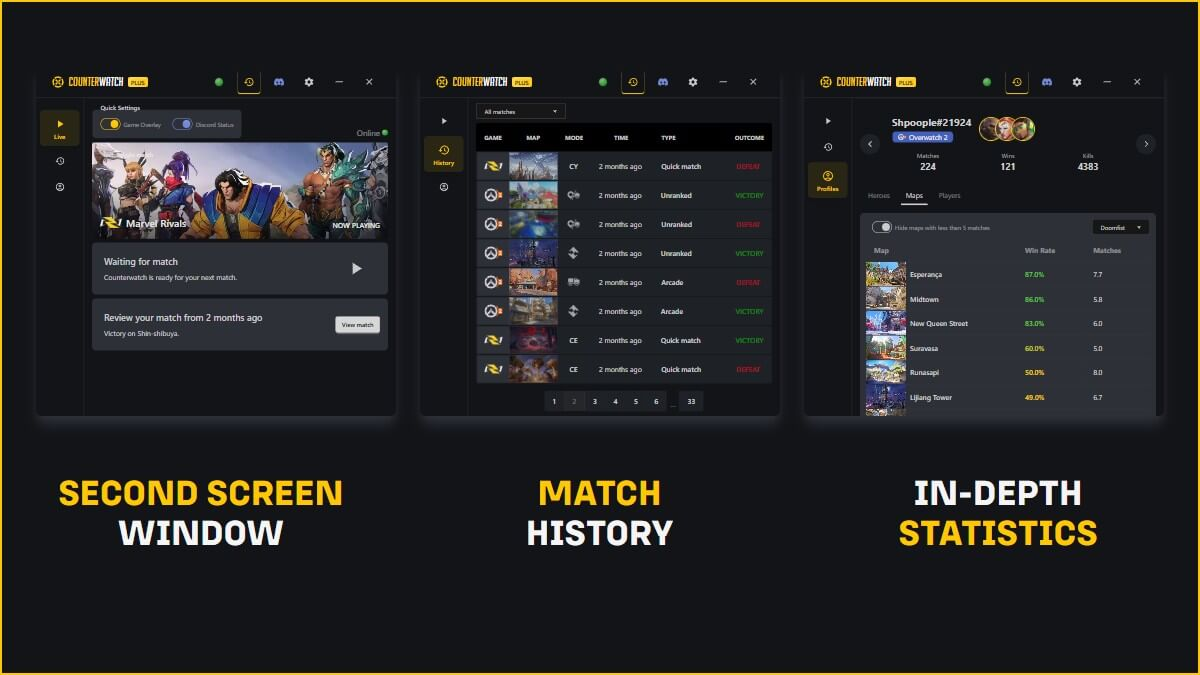
Counterwatch takes a different approach. Instead of focusing solely on your own stats, this Overwolf app provides live match intelligence to help you understand what you are up against. The overlay displays which heroes both teams are playing and notifies you when someone on the enemy team switches characters. For players who want info on their current session, this is invaluable.
The tool never reveals information that is not already available through the game itself. You will not get alerts about hero swaps before they appear on the scoreboard. But having that information centralized and visible at a glance can help you make faster counter-picks and adjust your strategy mid-match.
Comparing the Best Overwatch 2 Tracker Platforms
Each tracker serves a different purpose. Some excel at personal stat tracking, while others focus on meta-analysis or live match intelligence. Here is how the top options compare:
| Tracker | Desktop Overlay | Regional Leaderboards | Free Version | Best For |
|---|---|---|---|---|
| Tracker.gg | No | Yes | Yes | Complete stats and leaderboards |
| Overwatch.OP.GG | No | Limited | Yes | Quick stat checks |
| Blizzard Official | No | Yes | Yes | Hero meta and win rates |
| Counterwatch | Yes | No | Yes | Live match intelligence |
What Happened to Overbuff
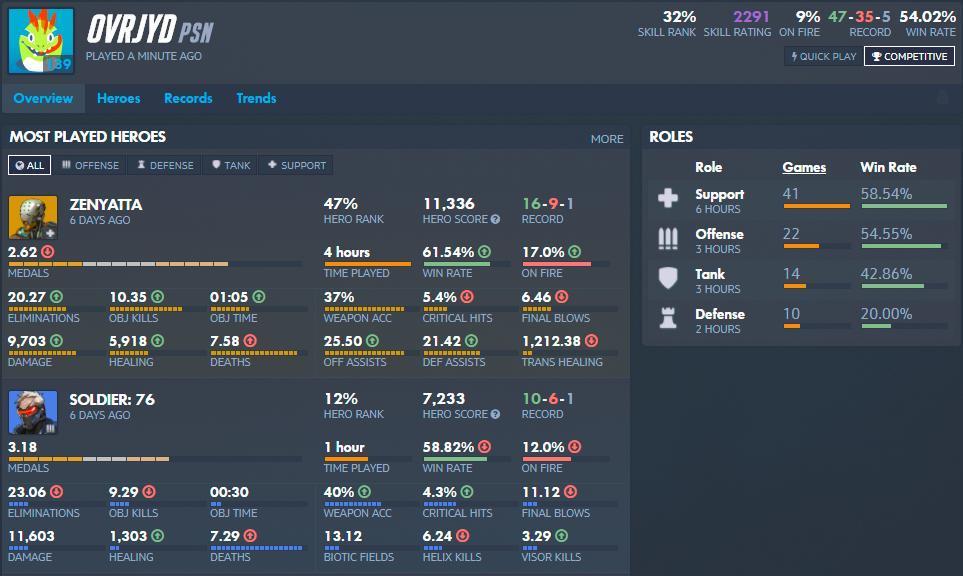
If you have been tracking Overwatch stats for years, you probably remember Overbuff. The platform was a community favorite, offering detailed hero statistics, player rankings, and meta analysis that helped countless players better understand the game.
Unfortunately, Overbuff has officially sunset its service. According to the team, changes to the game over the years reduced the quality of data available to them, making it difficult to maintain the site at the standard their users expected. They have encouraged players to use Blizzard's official statistics as an alternative.
This is a reminder of how dependent third-party tools are on official API access. When that access changes, even beloved platforms can disappear. It is worth using multiple trackers and keeping an eye on which ones remain actively supported.
How to Use Tracker Data to Actually Climb Ranks
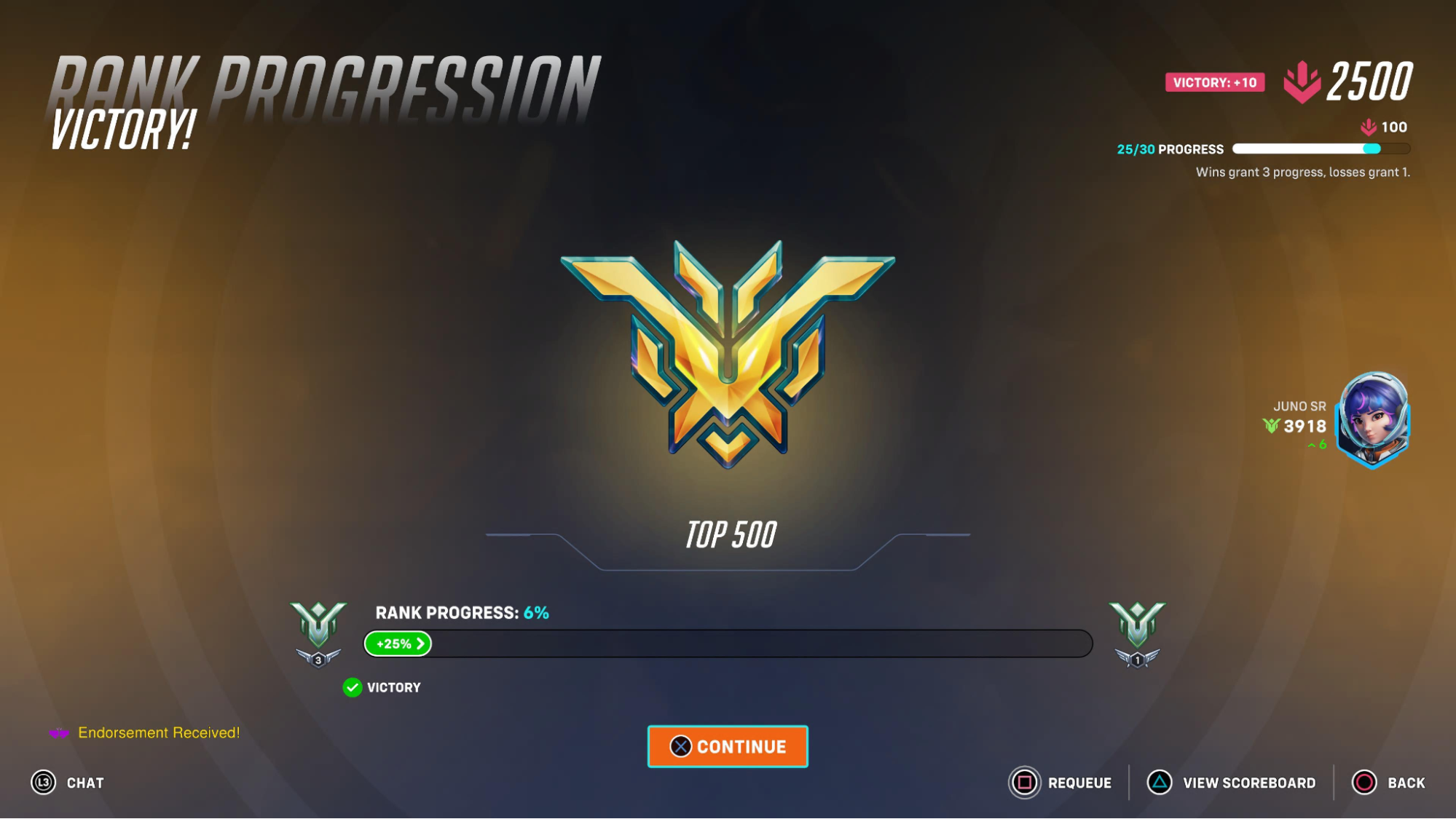
Data without action is just numbers on a screen. Here is how to translate tracker insights into actual rank gains:
Start by identifying your strongest heroes per role. Every tracker shows win rates broken down by character. If your Ana sits at 58% while your Baptiste hovers around 44%, the choice of who to play in close games becomes obvious. Stop forcing heroes that are not working for you.
Next, study map-specific performance. Some players have heroes that dominate on certain maps but struggle on others. Maybe your Sigma is unstoppable on King's Row but feels weak on Circuit Royal. Use that information to guide your picks based on the map rotation.
Pay attention to trends over time. A single bad session means nothing, but if your accuracy or average deaths per ten minutes have been creeping in the wrong direction over your last thirty matches, that signals something worth investigating. Are you tilting? Playing too aggressively? The numbers will point you toward the answer, and a skilled OW2 coach can turn that raw data into a concrete improvement plan, giving you specific drills and positioning adjustments tailored to what your stats reveal.
Finally, use metadata to stay ahead of patch changes. When a hero suddenly spikes in win rate after an update, learning that character before everyone else catches on gives you an edge. When a popular pick gets nerfed, switching early keeps you from losing games while others adapt.
Barry is a gaming writer and former high-elo player covering coaching tips, champion guides, and esports news.
All articles by BarryTurn knowledge into rank
Get a verified pro to review your gameplay and give you a plan.