Best Rainbow Six Siege Trackers 2026
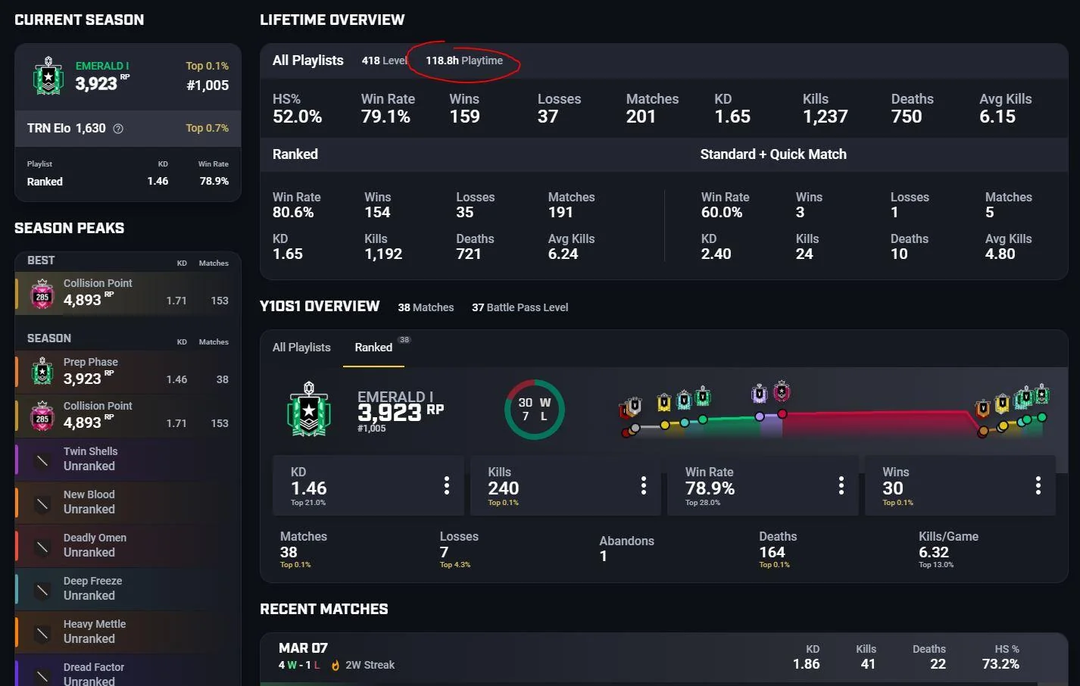
Table of Contents
Knowing your win rate on specific maps, understanding which operators deliver your best performances, and recognizing patterns in your gameplay can help you climb your rank. That's where R6 stats trackers come into play.
In 2026, stat tracking tools have matured considerably. Whether you're grinding ranked matches to hit Champion, studying the competition before a tournament, or simply curious about how your K/D ratio looks like, there's a tracker for your needs.
This guide breaks down the top Rainbow Six Siege trackers available right now, examining which one suits your goals.
Why Tracking Your R6 Stats
The best players in the world don't just practice mechanics. They analyze. They review. They adapt based on evidence rather than feeling. A good Rainbow Six Siege tracker gives you access to the same analytical framework that professional teams use, minus the coaching staff. It shows your MMR fluctuations across seasons, highlights your operator win rates, tracks headshot percentages, and even reveals how you perform on attack versus defense.
For those watching the esports scene, some trackers provide statistics on professional players and teams, letting you compare your numbers against the pros or simply follow your favorite roster's performance throughout the year.
R6 Tracker Network
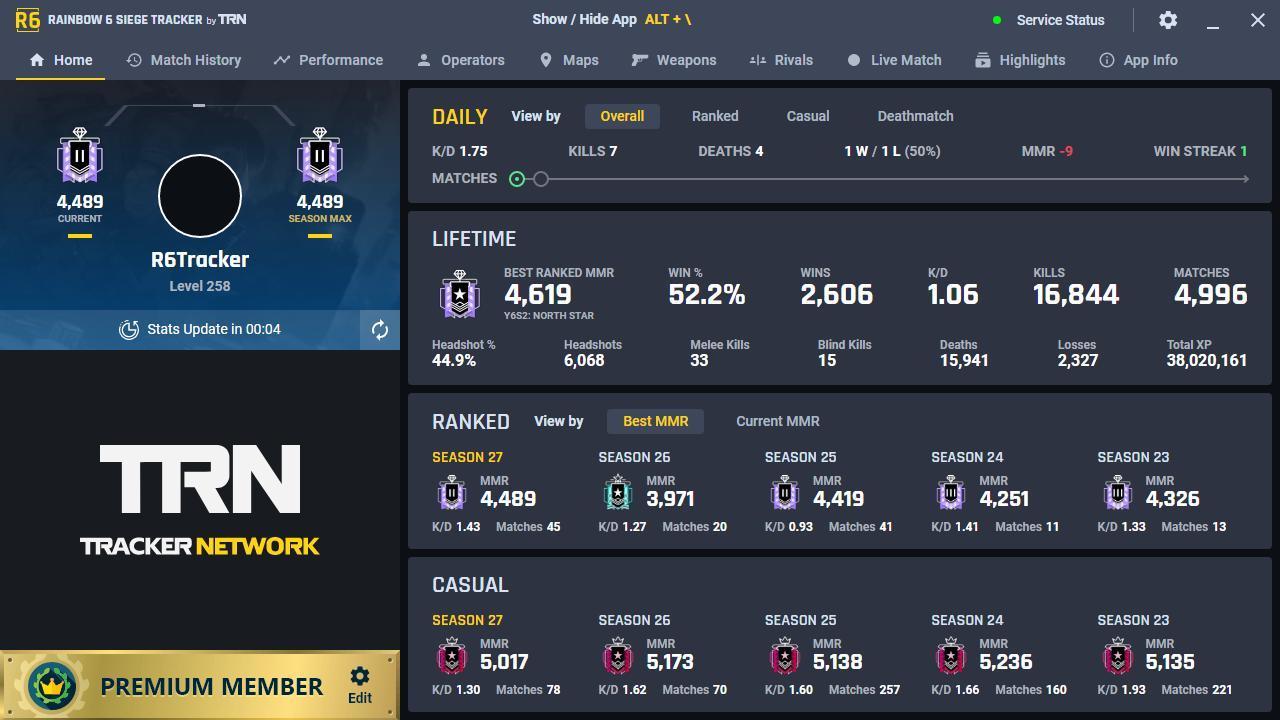
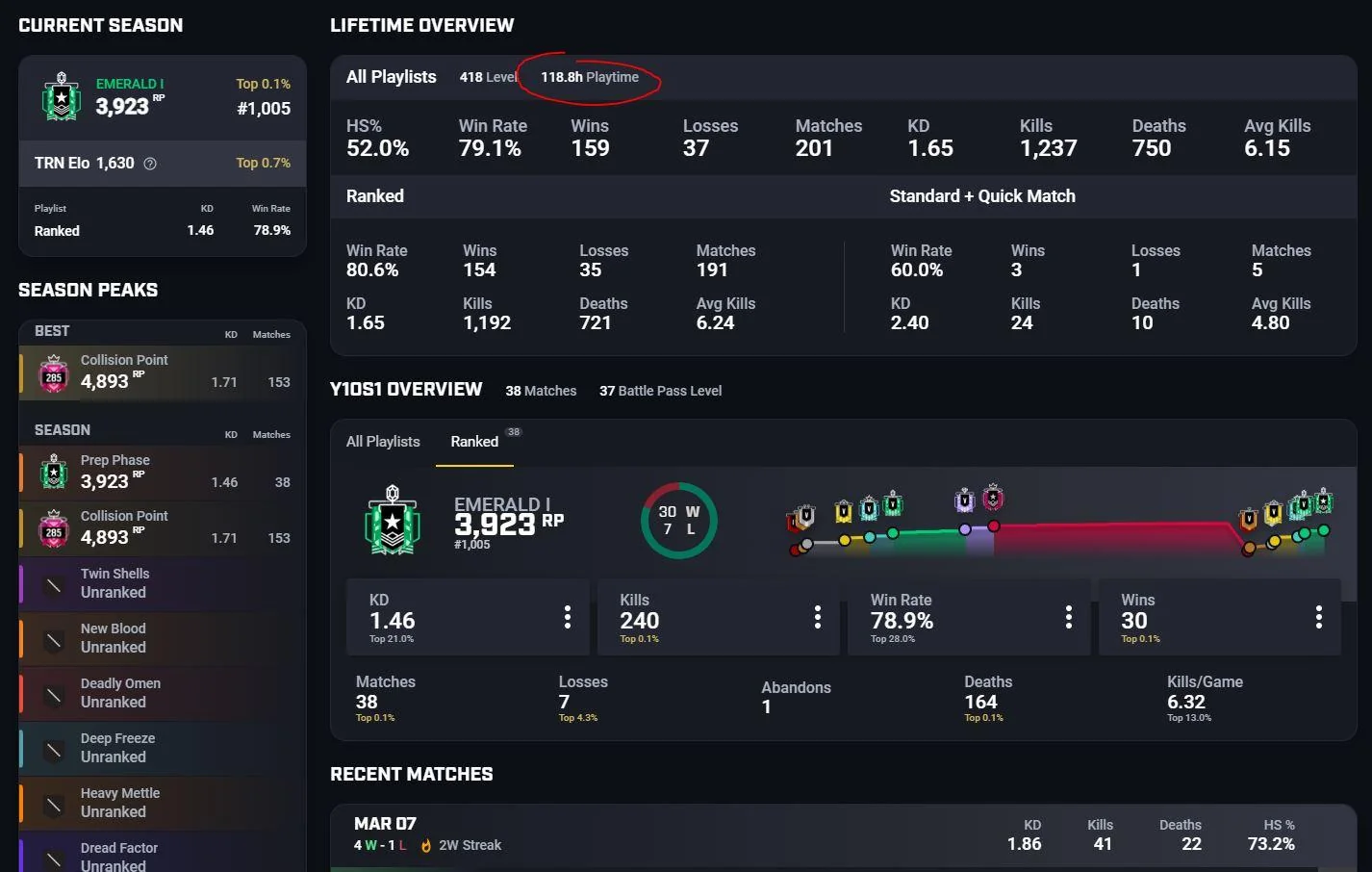
R6 Tracker Network is usually the first name that comes to mind, and it’s free to use. It has earned that reputation through years of consistent updates, a clean interface, and comprehensive data coverage across all platforms. PC, PlayStation, and Xbox players can all access their statistics, though PC users enjoy the fullest experience through the Overwolf-powered desktop overlay.
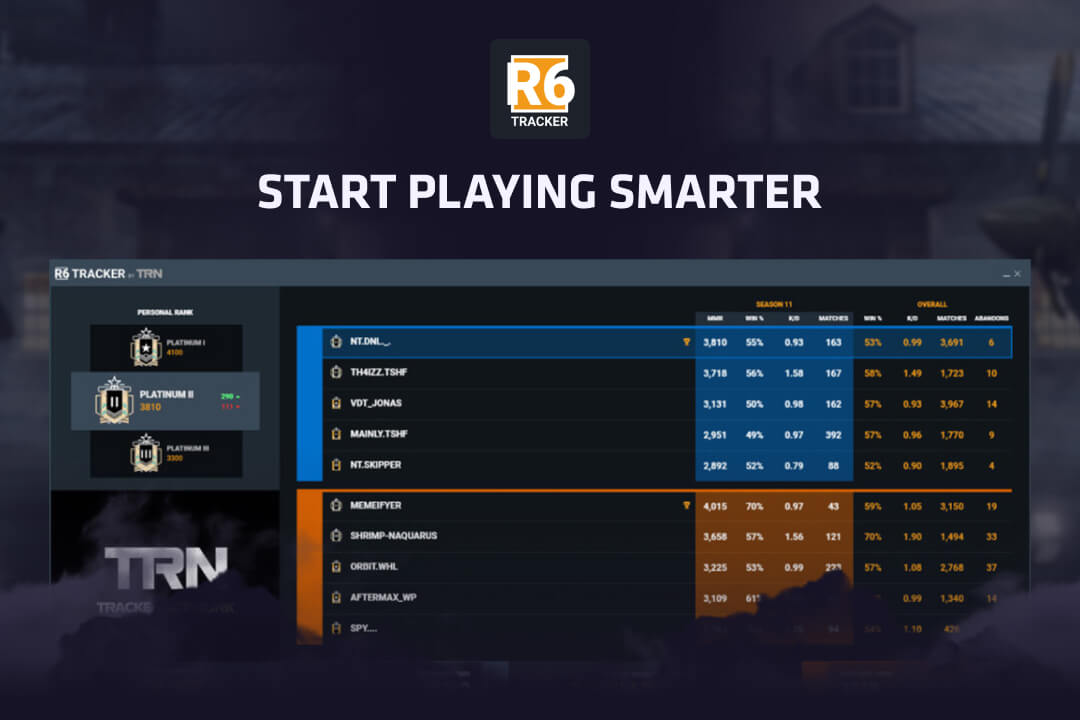
The overlay activates the moment you load into a match, displaying detailed information about every player in your lobby. You'll see ranks, win rates, kill/death ratios, headshot accuracy, and even operator preferences for both teammates and opponents. This intelligence lets you adjust your strategy before the first drone phase even begins.
Beyond live match data, R6 Tracker maintains extensive historical records. You can review match history with detailed scorecards, track your MMR movement across an entire season, and break down performance by specific maps and game modes. The operator statistics section deserves special attention, offering granular insights into your gadget usage, loadout preferences, and even how often specific operators get picked when you're playing.
R6 Analyst
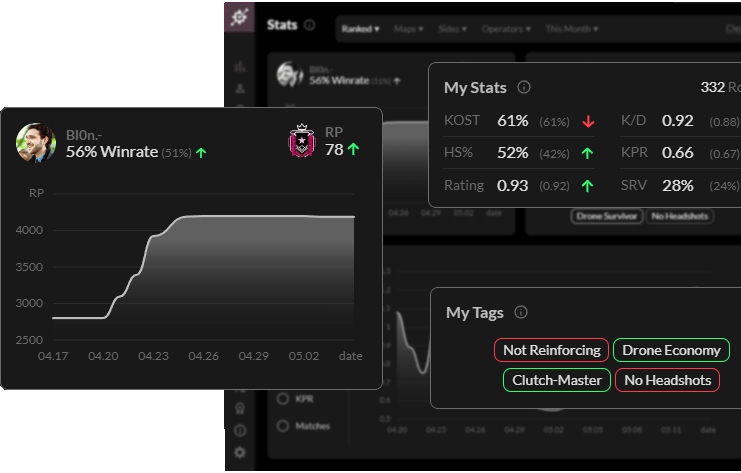
R6 Analyst is an Overwolf application that goes beyond simple numbers to deliver real-time guidance based on live game data. The enhanced scoreboard overlay layers additional statistics: traded versus untraded kills, opening picks, defuser plants, and performance ratings, on top of the standard display.
The ban recommendation system might be its most valuable feature. The app analyzes your opponents' play history and suggests strategic bans to disrupt their comfort picks, forcing them into unfamiliar territory instead of letting them run practiced strategies against you.
After each round, the Analyst generates "Focusses" highlighting where your play has fallen short, nudging you toward better habits with specific, actionable feedback. It's solid generic coaching, but it's still an algorithm making broad suggestions.
For players who want advice tailored to their actual decision-making, not just their stat lines, working with a one-on-one R6 coach fills the gapno app can: someone who watches how YOU hold angles, how YOU rotate under pressure, and builds a plan around YOUR specific weaknesses rather than templated recommendations.
The Official Ubisoft Stats Tracker
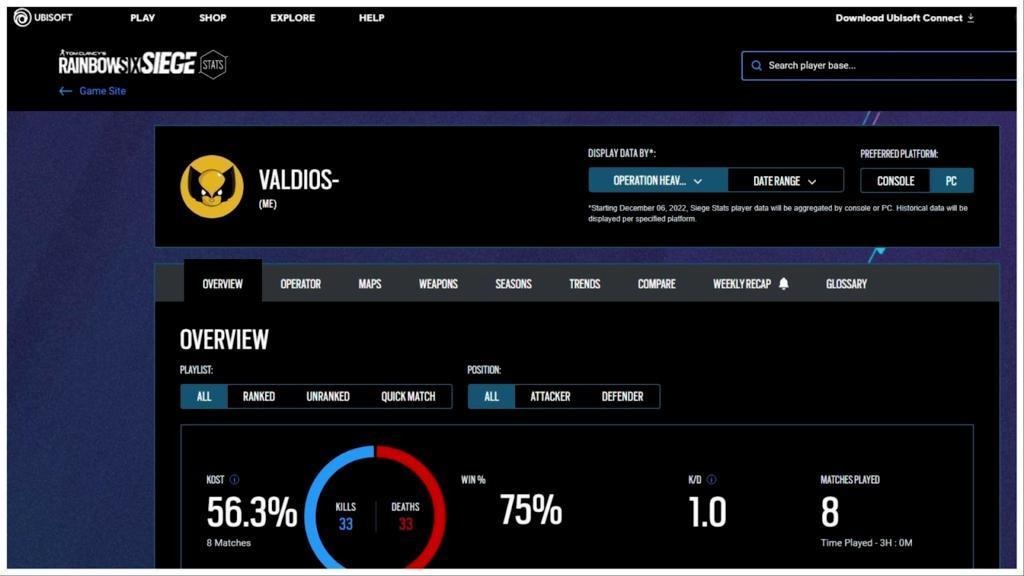
Sometimes you prefer minimal software installations and you want your statistics straight from the source. Ubisoft's official R6 stats tracker pulls data directly from its servers, ensuring accuracy that third-party tools sometimes miss during API disruptions or maintenance periods.
The official tracker offers a clean career overview that shows your performance across all seasons, ranked and casual modes, and every operator you've used. While it lacks the in-game overlay functionality and deep analytical features of dedicated third-party apps, it excels at presenting a straightforward, trustworthy snapshot of your Rainbow Six Siege career.
SiegeGG
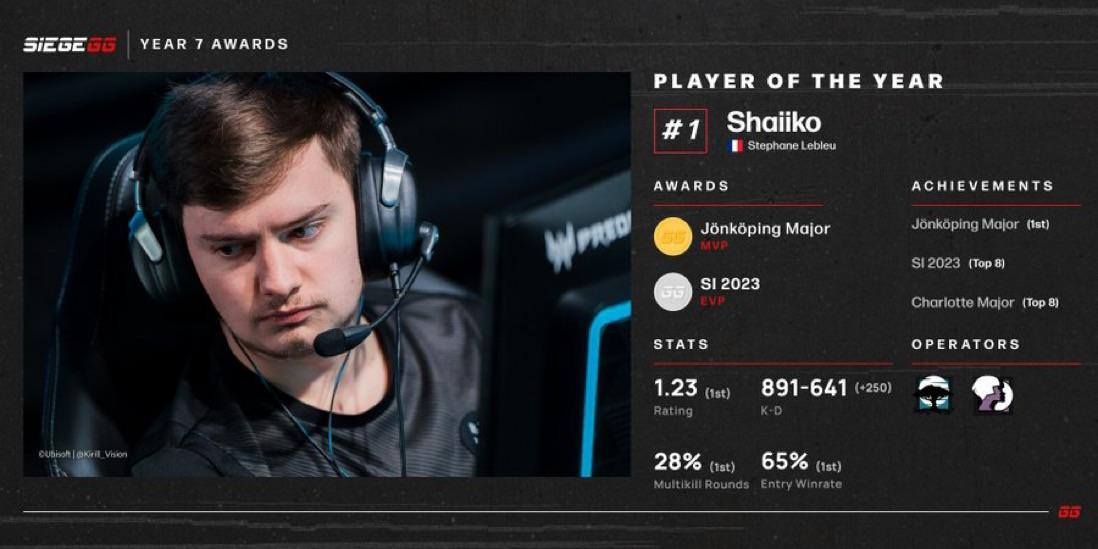
SiegeGG has positioned itself as the primary destination for professional match data, team standings, and tournament coverage. If you follow the esports scene at all, you've likely visited this site.
SiegeGG tracks every major tournament, from regional leagues in Europe, North America, South America, and Asia-Pacific to global events like the Six Invitational 2026, currently running in Paris. Match results update in real time, complete with map scores, player statistics, and round-by-round breakdowns. You can compare team performance across different events, analyze roster changes, and identify which organizations consistently produce results.
Stats.CC and R6Stats
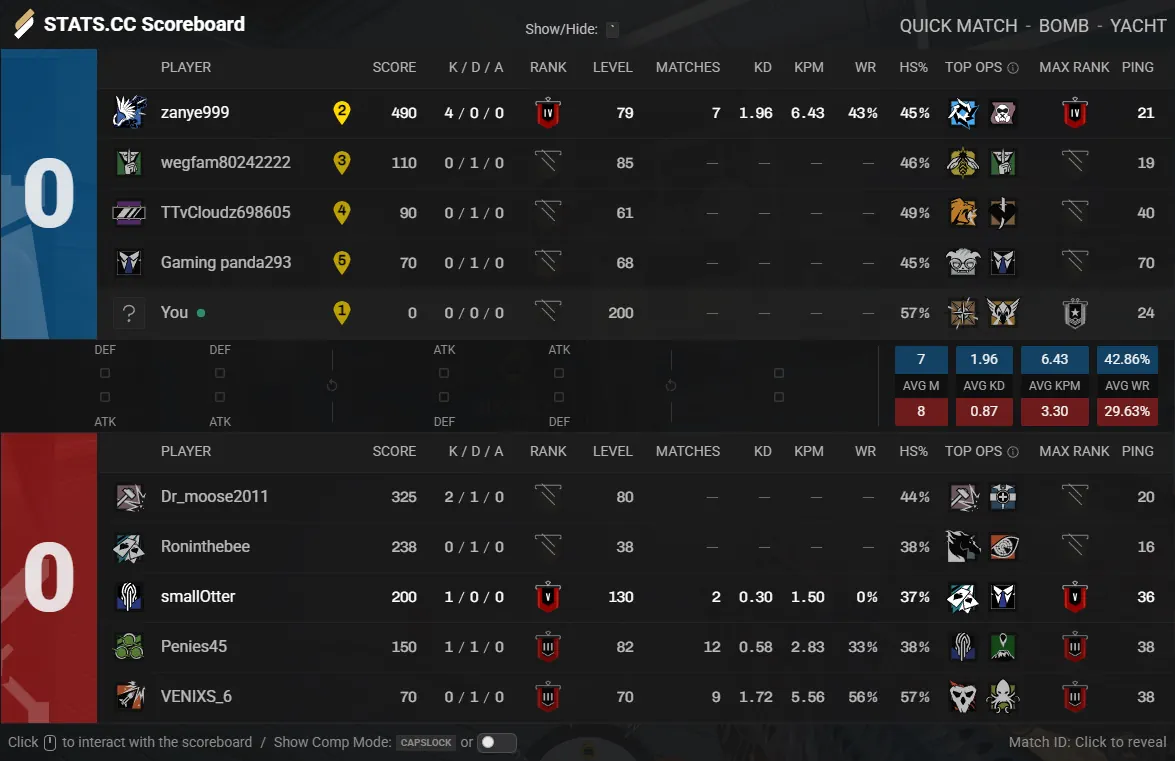
Not every stat lookup requires a full application installation. Stats.CC provides a straightforward web interface for searching any Rainbow Six Siege player profile. Enter a username, select a platform, and view their statistics within seconds. The site includes global leaderboards, seasonal comparisons, and detailed operator breakdowns.
R6Stats fills a similar niche with a particular strength in mobile accessibility. The dedicated iOS and Android apps deliver your statistics in a clean, touch-friendly format. For players who want to view their stats away from their gaming setup, R6Stats makes it possible.
Tips for Using an R6 Tracker to Climb
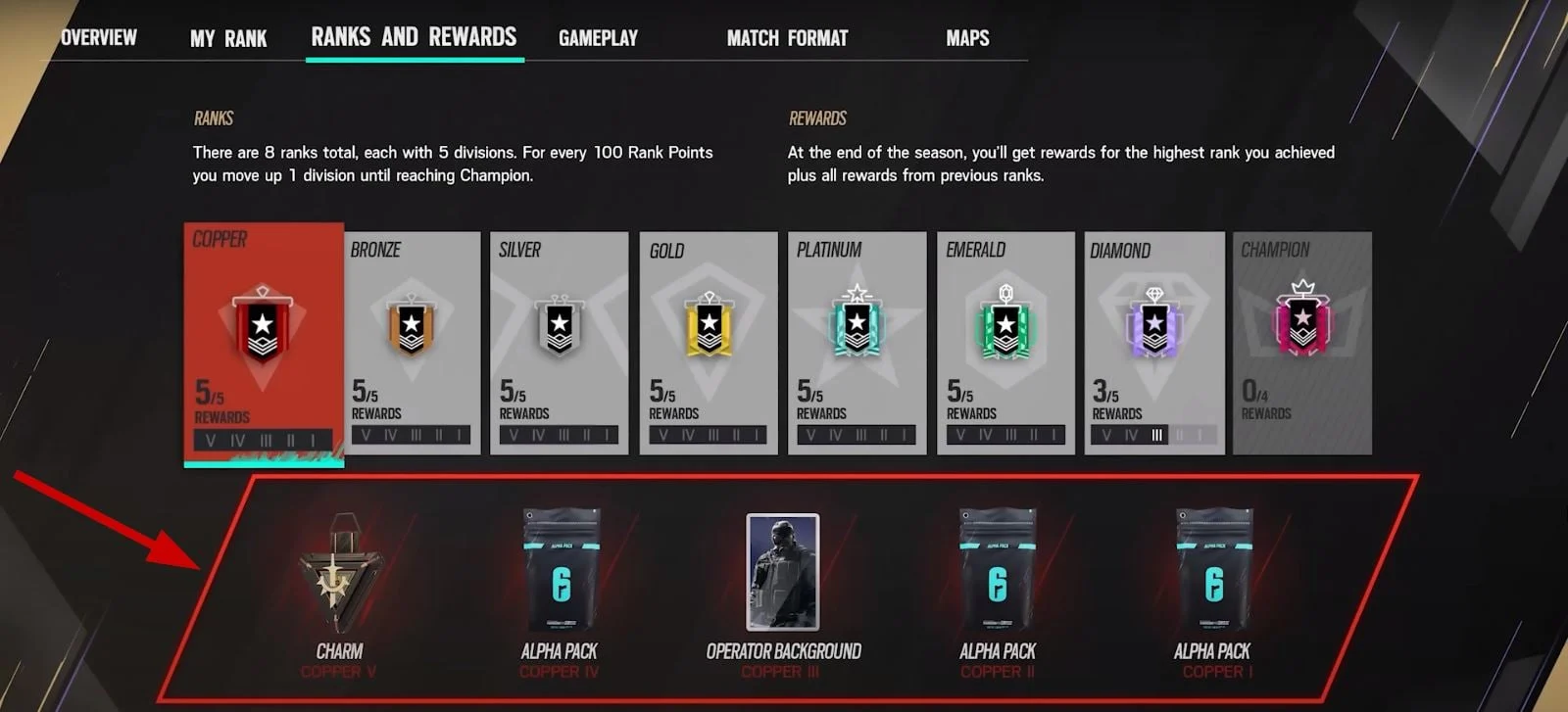
A tracker is only as useful as the attention you pay to it. Set aside time after each session to review your matches. Look for patterns. Maybe your win rate drops significantly after midnight when fatigue sets in. Perhaps certain operators consistently underperform in your hands, even though you feel comfortable playing.
Use map statistics to build a targeted practice routine. If your data shows weakness in Bank, spend time in custom games learning camera positions and common angles. Trackers can identify problems, but only deliberate practice solves them.
Pay attention to seasonal trends as well. The meta shifts with each content update, and operators that served you well last season might struggle under new circumstances. Your tracker will show these changes in your statistics before you consciously notice them in your gameplay.
Barry is a gaming writer and former high-elo player covering coaching tips, champion guides, and esports news.
All articles by BarryTurn knowledge into rank
Get a verified pro to review your gameplay and give you a plan.