How to Play Unlocked Camera in LoL
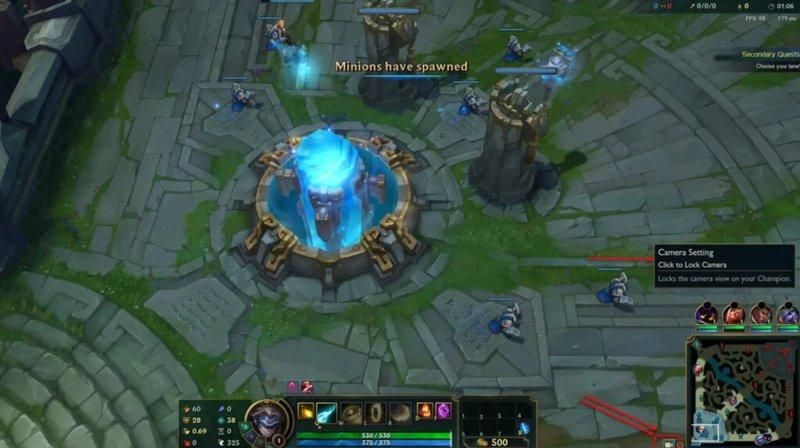
Table of Contents
- Why You Should Unlock Camera in League of Legends
- How to Unlock Camera in League of Legends (The Fast Version)
- Three Camera Modes Explained
- The Keybind Setup That Makes Unlocked Cam Stick
- How to Actually Learn to Play with an Unlocked Camera
- Common Mistakes When Forcing the Camera Switch
- The Fastest Way to Make Unlocked Cam Second Nature
Every high elo player you know has told you the same thing: unlock camera, stop playing locked. Every time you try, you have horrible games and rage-toggle it back. If you want to learn how to play with unlocked camera in League of Legends, this tutorial covers how to unlock cam, the keyboard setup, the camera modes, and the drills that make the switch stick.
Why You Should Unlock Camera in League of Legends
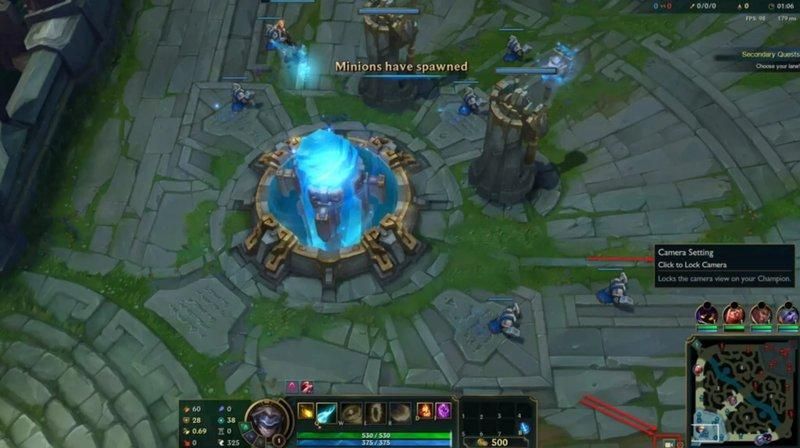
Play with locked camera, and your champion is glued to the middle of the screen. That could work in Iron. It stops working the moment you need to do anything that isn't last-hitting the wave in front of you. Vision control, tracking the enemy jungler, counter-ganking, objective calls, and reading teleport plays. All of that happens when you move the camera, and pro players learned to move camera years ago for that reason.
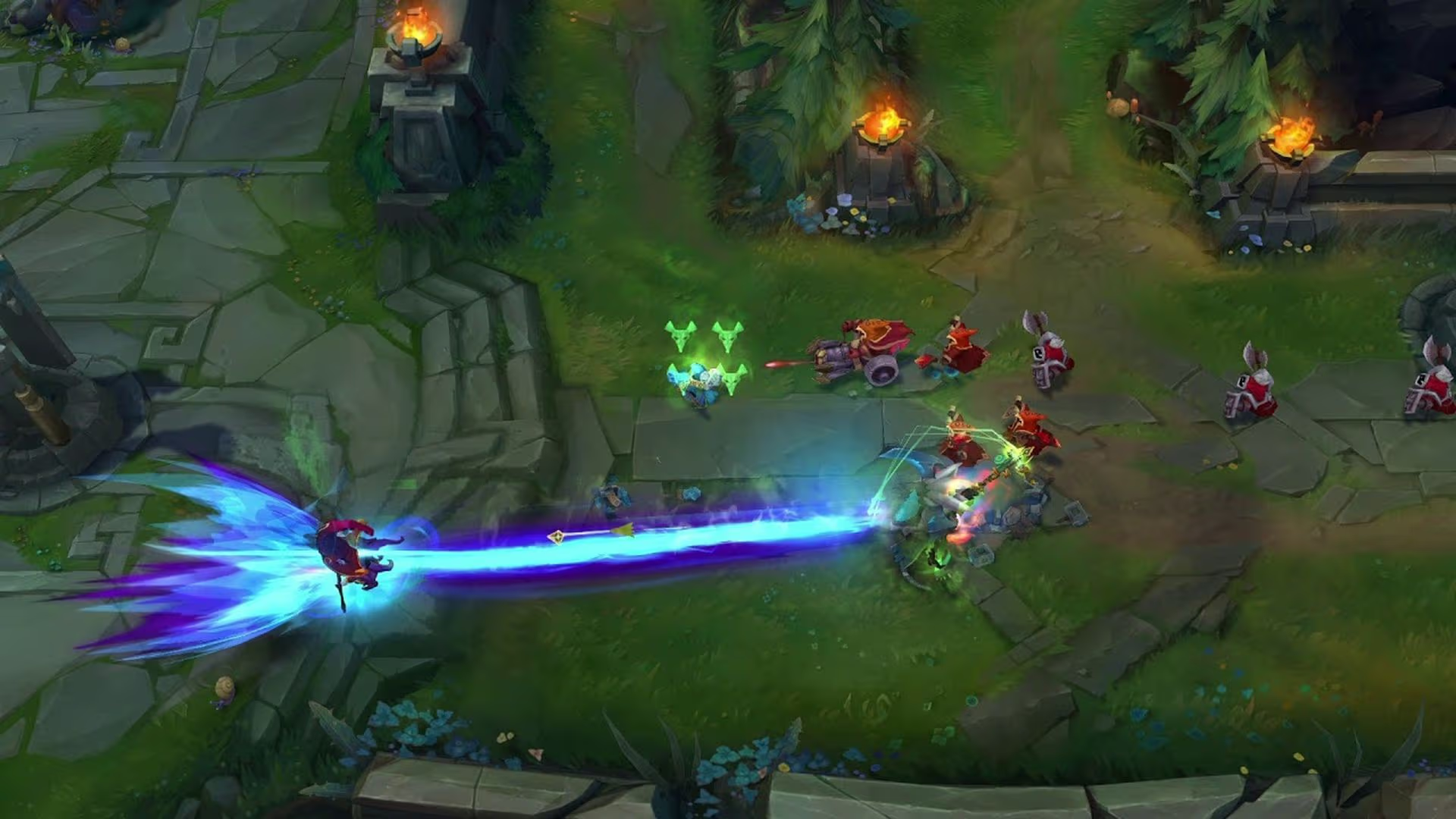
Playing with an unlocked camera lets you look where the game is actually happening. You can pan to the enemy jungle to catch their jungler chunking a buff, scroll to bot lane to see your support shove for an invade, or hover over the dragon pit while still farming mid. Unlocked cam is less a preference than a requirement once you hit Gold and above.
The tradeoff is obvious. You retrain the muscle memory you've built since your first game. It feels terrible for a week. Then it feels exponentially better.
How to Unlock Camera in League of Legends (The Fast Version)
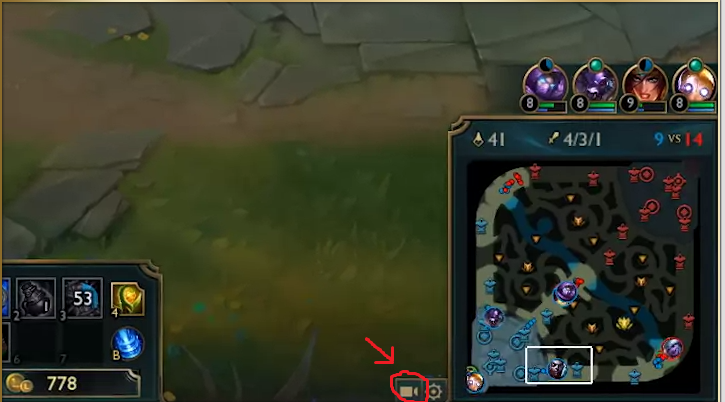
Two ways to flip it on mid-game:
- Press Y. That's the default hotkey for toggling camera lock in League of Legends. One tap turns it off, another tap turns it back on.
- Click the camera icon next to the minimap. It sits there in the bottom right of your screen. A quick click toggles lock and unlock without leaving gameplay.
If you want to start every game with the camera unlocked by default, head to Settings, go to Hotkeys, and under Camera Control, you can bind or rebind the toggles on your keyboard. Better still, change the Camera Lock Mode preference to "Per-side Offset" so the setting saves between matches on your PC. Riot made this easy on purpose, and our guide walks through the rest of the LoL in-game settings if you need them. There's no secret to learning how to unlock camera beyond those two clicks.
Three Camera Modes Explained
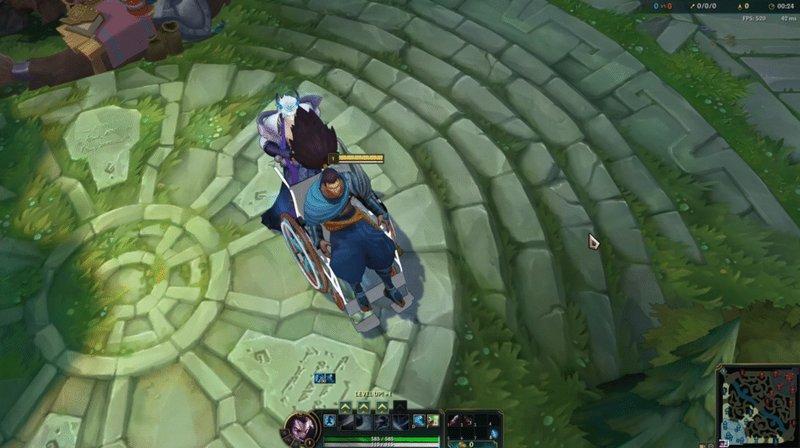
Most guides stop at "press Y." League actually offers three camera modes, and only knowing about two of them is probably why your previous attempts to switch keep failing.
Locked Camera
Your champ stays centered at all times. You cannot pan around the map unless you drag your cursor to the screen edge, which defeats the point. If you play locked camera past your first twenty games of LoL, it's already holding you back.
Semi-Locked Camera
The middle ground nobody uses, but everybody probably should. Your champion has to stay somewhere on your screen, but not necessarily in the middle. You can drift the camera toward a lane or the jungle without losing sight of your own model. Think of it as a locked camera on a leash. It's a legitimate stepping stone if fully unlocked feels like jumping off a cliff.
Unlocked Camera
Full freedom. Your camera moves wherever your cursor goes, and you can stare at the enemy base while your champ farms mid if you want to. Every pro player uses this. Every Challenger streamer uses this. Every skillshot-heavy champ (Lux, Ahri, Nidalee, Xerath) gets better the moment you stop fighting the camera, because the mechanics of landing a skillshot are camera based: if you can't see where you're aiming, you can't hit it.
The Keybind Setup That Makes Unlocked Cam Stick
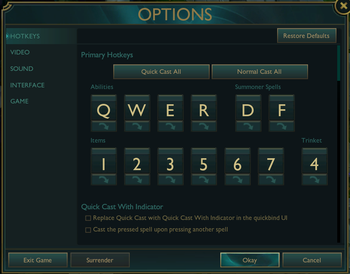
The single biggest reason players fail to switch is that they never change their keybinds. You have to rewire the defaults because the defaults are built around a locked camera.
Here's the setup that actually works and what high-elo players have used for years:
- Unbind "Toggle Camera Lock" entirely.
- Bind "Center Camera on Champion" to the spacebar. Use the spacebar to center the camera on your champion: hold the space bar and it snaps to you, release it and you're free again. This one change fixes most of the learning curve, because it gives you an instant escape hatch the second a fight breaks out.
- Drop your camera scroll speed. Settings, Interface, find "Scroll Speed" under Camera, and tune it down slightly.
- Turn off "Center Camera While Dead." Dead time is scout time. Use it to track the enemy jungler or count wards instead of staring at a gray screen.
Some players prefer to leave "Select Self" on spacebar and bind center camera separately. Same idea, different approach.
How to Actually Learn to Play with an Unlocked Camera
Flipping a setting is not the same as learning a skill, and nobody goes from locked to unlocked in one game. Here's the path that sticks.
Step One: Normals Only, Until You’re Used to It
Do not, under any circumstances, learn unlocked cam in ranked. You will lose games, hate the camera, and blame the setting instead of the adjustment period. Play blind pick, hop in ARAM if you want practice with fewer consequences, run bot games if you have to.
Step Two: Focus on Your Champion First, Then Expand Outward
In your first few games, focus on your champion during lane and only use unlocked panning during dead time: when the wave is pushing, when you recall, when you walk back to lane. As your hands get used to the rhythm, start to move your camera mid-trade, then during all-ins, then during full teamfights. The goal is building the reflex to glance around the map, not staring at the enemy jungler for ten seconds while you tank a tower shot.
Step Three: Hold Space Less and Less
For the first month, most players fight with the spacebar pinned down, which is a locked camera with extra steps. Use the center button as a safety net, not a habit. When you catch yourself holding it during farm phases, release it and force a glance elsewhere.
Common Mistakes When Forcing the Camera Switch
- Holding space the whole game. You are not playing with an unlocked camera that way.
- Panning into the fog of war and forgetting where you are. You will walk into Thresh hooks. It happens. Use the minimap as a secondary reference and snap back to your champ before engaging anything.
- Quitting after three rough games. The first ten to fifteen games will feel like garbage. The correct move is always "one more game," not "toggle it back."
- Skipping mouse sensitivity adjustments. A camera that whips across the screen every time you flinch is unplayable. Adjust sensitivity until it feels right.
The Fastest Way to Make Unlocked Cam Second Nature
You can grind this alone, or you can have someone who already lives at the highest ranks watch you play and clock every moment your camera is doing nothing useful. A coach will spot habits you can't see yourself, like the fact that you unlock the camera, pan once, and then park it back on your champion for the next ninety seconds. Booking a one-on-one session with a verified League of Legends coach on WeCoach is the shortest path between "I know I should play unlocked" and "I actually do."
Barry is a gaming writer and former high-elo player covering coaching tips, champion guides, and esports news.
All articles by BarryTurn knowledge into rank
Get a verified pro to review your gameplay and give you a plan.