How to Get Better Ping in Valorant: Pro Tips

Table of Contents
- What Counts as a Good Ping for Play?
- How to Get Better Ping in Valorant: Check Your Online Stats First
- Game Settings That Actually Work
- Improve Your Home Network Before You Blame the Game's Servers
- The Route to Riot's Servers: ISP and Proxy Options
- How to Get Better Ping in Valorant by Fixing Spikes
- Bringing It All Together
You have the best angle. You glance at the screen, trigger the shot, and yet the server still passes the kill to your opponent. In most cases, this isn't a lack of skill; instead, it's ping quietly working against you. If you're asking yourself how to get better ping in Valorant, the good news is that most solutions take only a few minutes, not a new computer.
What Counts as a Good Ping for Play?
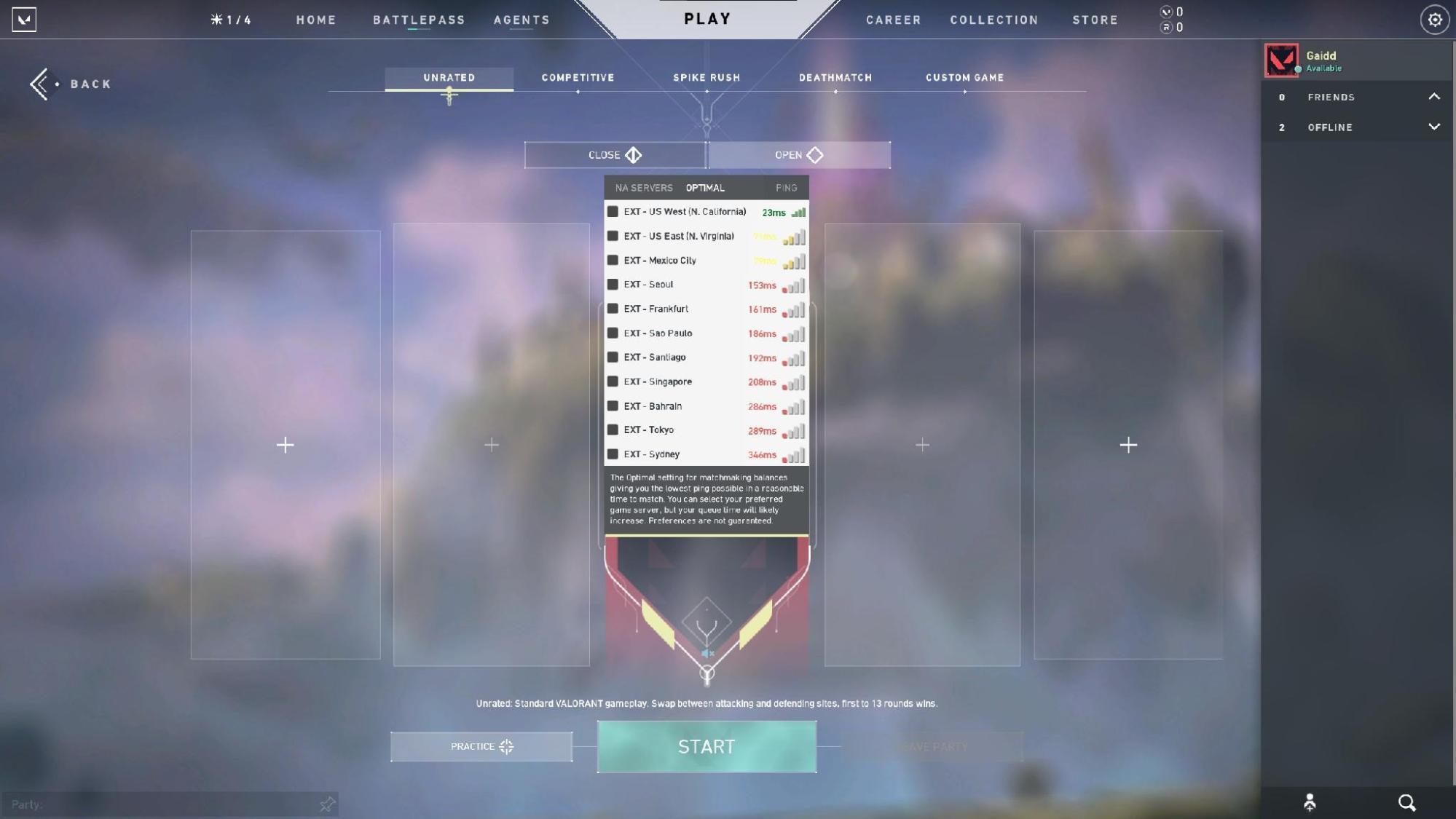
Ping is a measure of the time it takes for a signal to travel from your PC to Riot's servers and back, measured in milliseconds (ms). The lower the figure, the faster your shots and movements will register. Therefore, what is a good ping for gaming?
| Ping (ms) | What It Feels Like |
|---|---|
| Under 20 ms | Near-instant, ideal for ranked play |
| 20–50 ms | Smooth, where most competitive players sit |
| 50–100 ms | Playable, but small delays creep in |
| 100+ ms | Visible lag, shots feel like they land late |
In a fast-paced game such as Valorant, if your response time is consistently above 50-60 ms, it will begin to affect your chances of winning duels. Nevertheless, a single high reading doesn't tell the whole story. A steady 60 ms connection usually performs better than one that fluctuates between 20 and 90 ms. You can test your Valorant ping against every server before you change anything.
How to Get Better Ping in Valorant: Check Your Online Stats First
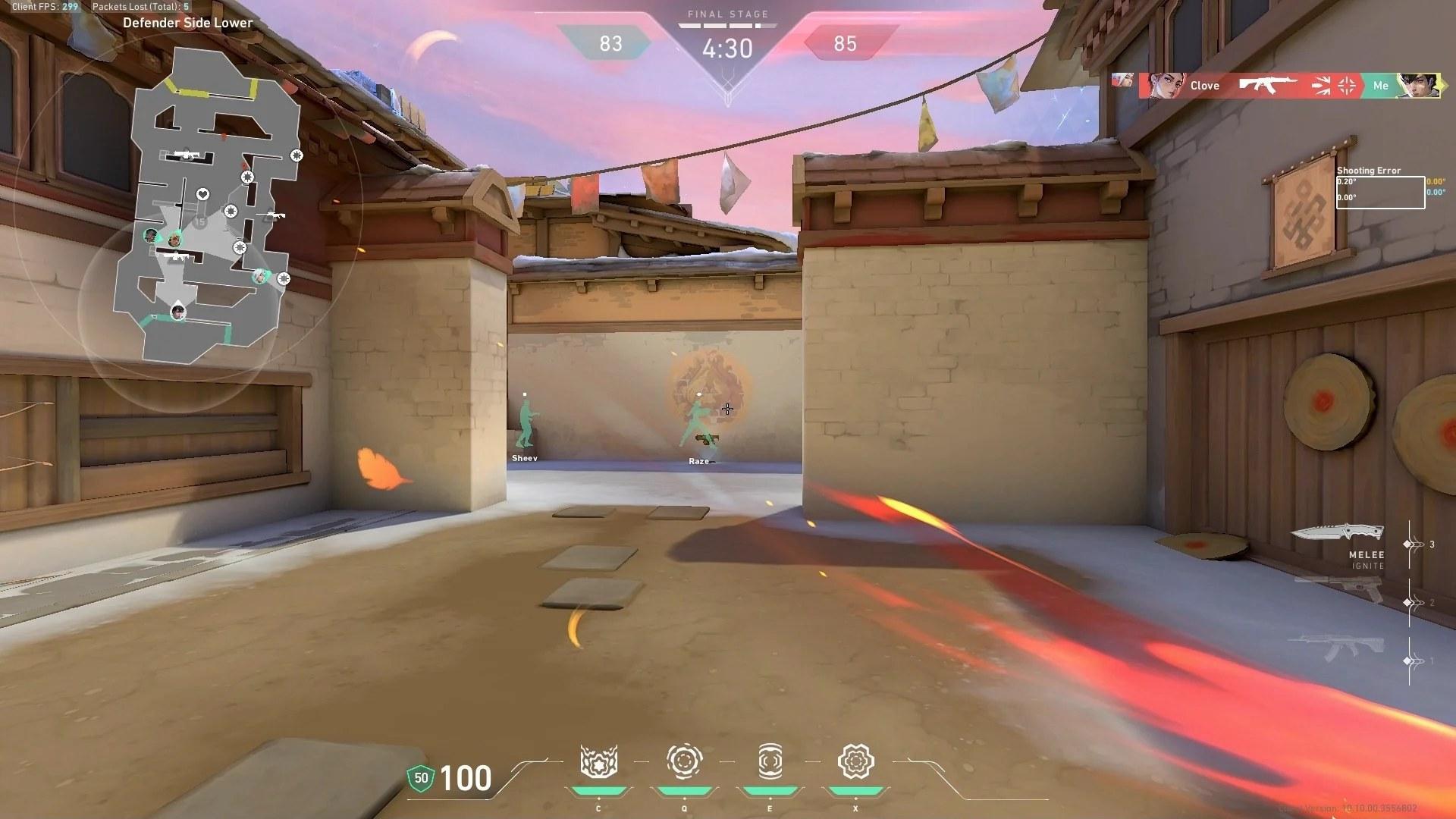
First, look at what is actually happening. The Valorant client can show network stats in the top-left corner of your screen. Go to Settings > Video > Stats and set Network RTT and Packet Loss to Text Only or Show Both, and you'll see your latency and packet loss in real time. Now you're working from numbers, not guesses.
Two numbers matter most:
- Ping: The delay from your end to the host.
- Packet loss: The share of the data that never reaches the server or your client.
An occasional ping blip is normal, but if packet loss regularly rises above 1-2%, no settings adjustment will completely resolve the issue. There must be a problem somewhere in your data path.
Game Settings That Actually Work
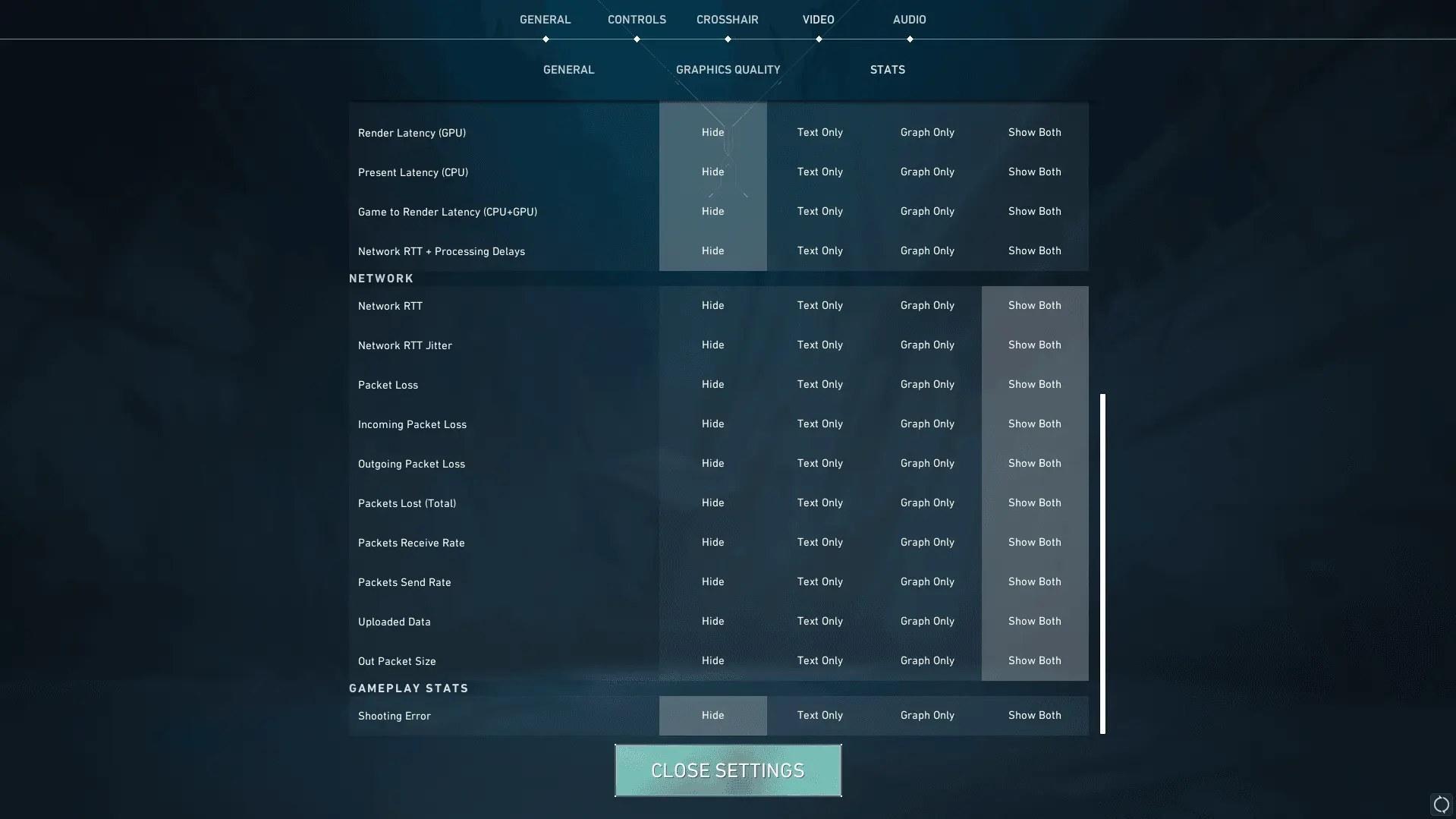
Before you touch your router, the client settings themselves offer a few quick wins:
- When choosing a server region, always connect to the nearest data center. Playing in a region on the other side of two continents will cause a real, unavoidable delay, regardless of your internet connection quality.
- For the network buffering setting, Valorant offers Minimum, Moderate and Maximum. Minimum adds the least delay but needs a stable connection, while Moderate or Maximum smooths out other players' movement when packets go missing, at the cost of a few extra milliseconds.
- During gameplay, switch off any overlays or recording software you aren't using. They mostly cost you frames rather than ping, but anything that uploads in the background, like a live stream or cloud sync, competes with Valorant for bandwidth.
Improve Your Home Network Before You Blame the Game's Servers
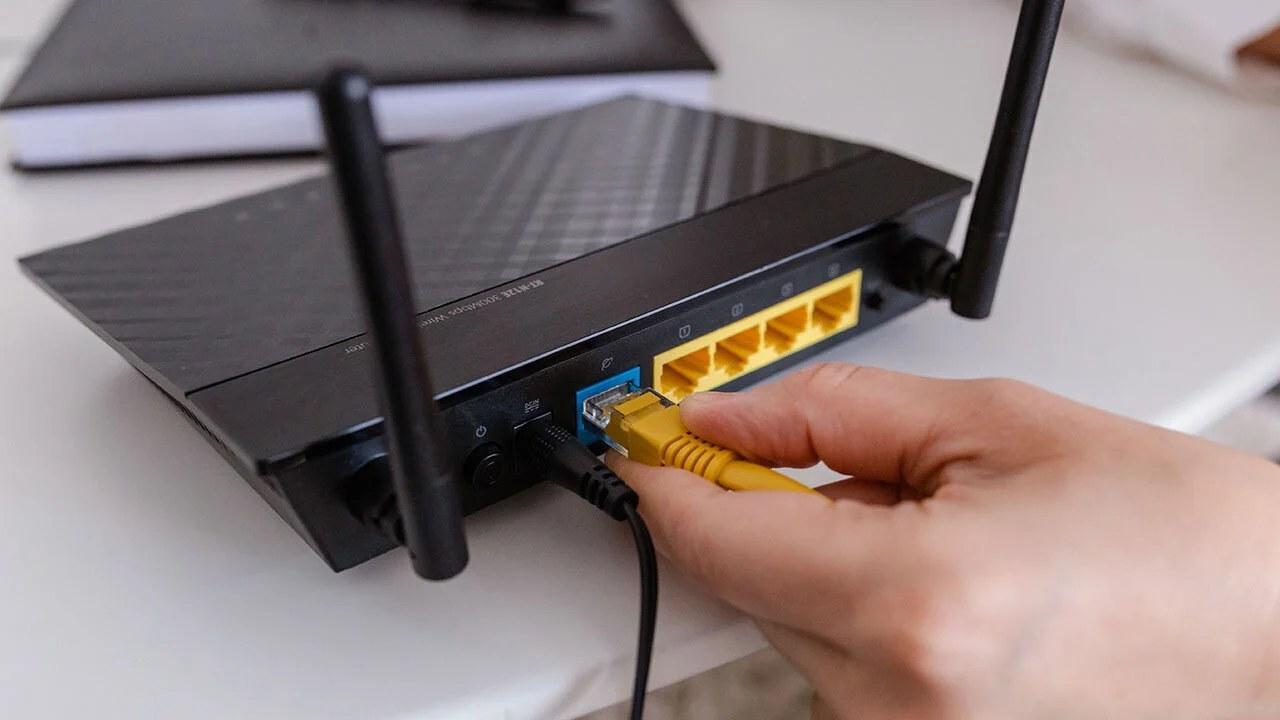
Most complaints come from issues within your own home.
- Use a wired Ethernet connection, since Wi-Fi adds interference and retransmissions that Ethernet avoids. Your average ping may only drop by a few milliseconds, but this single change usually removes most spikes and packet loss.
- Configure the router's quality of service settings. Quality of Service lets you tell the router to put gaming traffic ahead of, for example, photo backups on a phone in the background.
- Watch your background bandwidth usage, since downloads, cloud syncing, and streaming devices on the same Wi-Fi network share the same connection. Pause them before you start queuing.
- Periodically, restart your router. Although this may seem simple, if the router handles too many active streams, latency can gradually build up over several days.
This doesn't guarantee single-digit ping. Yet it usually eliminates lag unrelated to your PC or your skill.
The Route to Riot's Servers: ISP and Proxy Options

Even if your home network is set up properly, your ping will still be affected by the route your data takes to reach Riot. Your internet service provider chooses this route, and sometimes it isn't the shortest. ISP routing issues happen when your traffic goes through extra hops before reaching the nearest game server, causing a delay unrelated to distance.
If your ping is unusually high for the nearest server, you can check whether routing is the problem by testing your connection via a SOCKS5 proxy service with a server near the data center. By routing your traffic through a location near the data center in question, you can compare its stability with your normal route. Valorant has no built-in proxy setting, so you'll need a routing tool like Proxifier and a proxy that supports UDP, since game traffic runs over UDP.
It's important to be clear about this: using a proxy doesn't magically reduce your ping. It only helps when your ISP's routing is the bottleneck, so treat it as a diagnostic tool first.
How to Get Better Ping in Valorant by Fixing Spikes

A consistent 40 ms is one matter. But a ping that jumps from 30 to 150 every few seconds is a completely different issue and generally more annoying. Here's how to fix ping spikes once you've ruled out the basic causes.
Begin by distinguishing between jitter and latency. Jitter refers to the variation in ping times. Latency is the delay itself. Spikes are almost always due to a jitter problem, since they are caused by:
- Another device suddenly connecting to the internet (a download beginning, a video call starting).
- Interference from Wi-Fi signals from neighboring houses or from thick walls.
- An overloaded router struggling to keep up with many active streams.
- Congestion during peak hours on the ISP's local infrastructure, particularly in the evening.
A wired connection, along with router quality of service settings as explained above, generally eliminates most spikes immediately. If the problem occurs at the same time each day, contact your provider.
Bringing It All Together
There’s usually no single obvious answer for improving ping in Valorant. Instead, you have to carry out several small, successive steps:
- First, work out your baseline performance figures.
- Choose the appropriate region. Use a wired connection rather than a wireless one.
- Control background traffic.
- If your internet service provider seems to be sending your data the long way around, check your route.
A stable, low ping ensures your true skill determines the round's outcome, not latency. Since ping issues can silently limit how high your rank can go, fixing your setup is often the quickest improvement you can make this week.
Barry is a gaming writer and former high-elo player covering coaching tips, champion guides, and esports news.
All articles by BarryTurn knowledge into rank
Get a verified pro to review your gameplay and give you a plan.